Every screen you'll actually use.
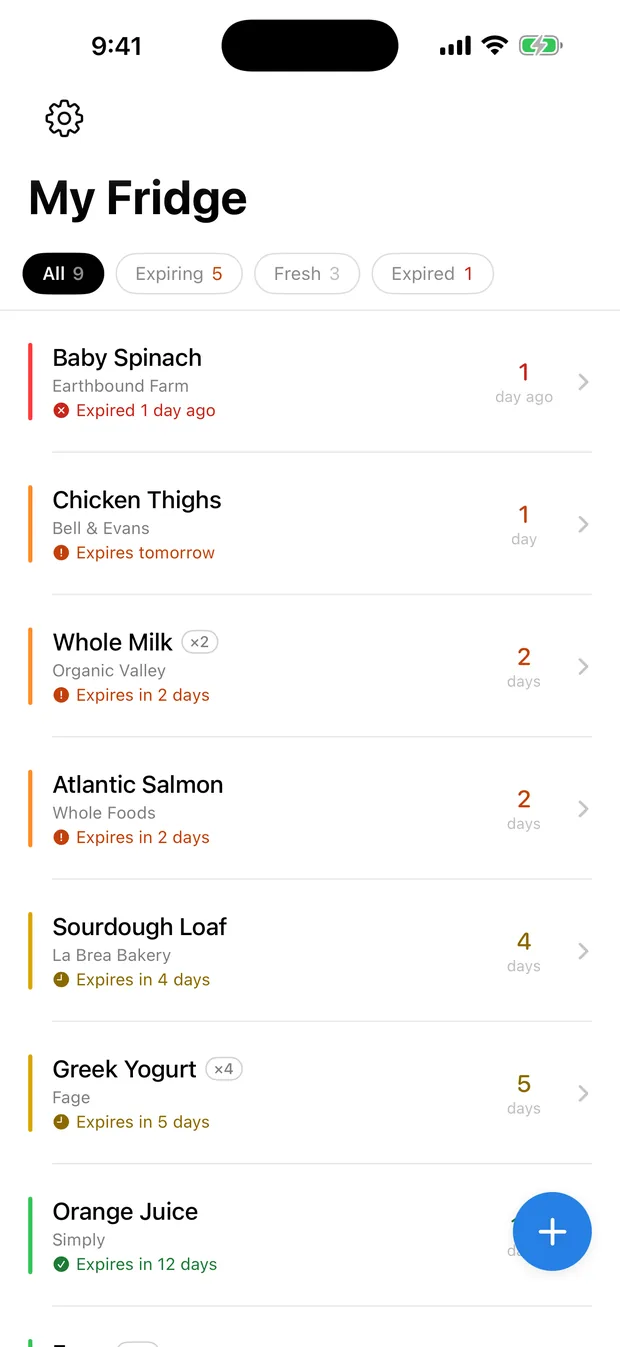
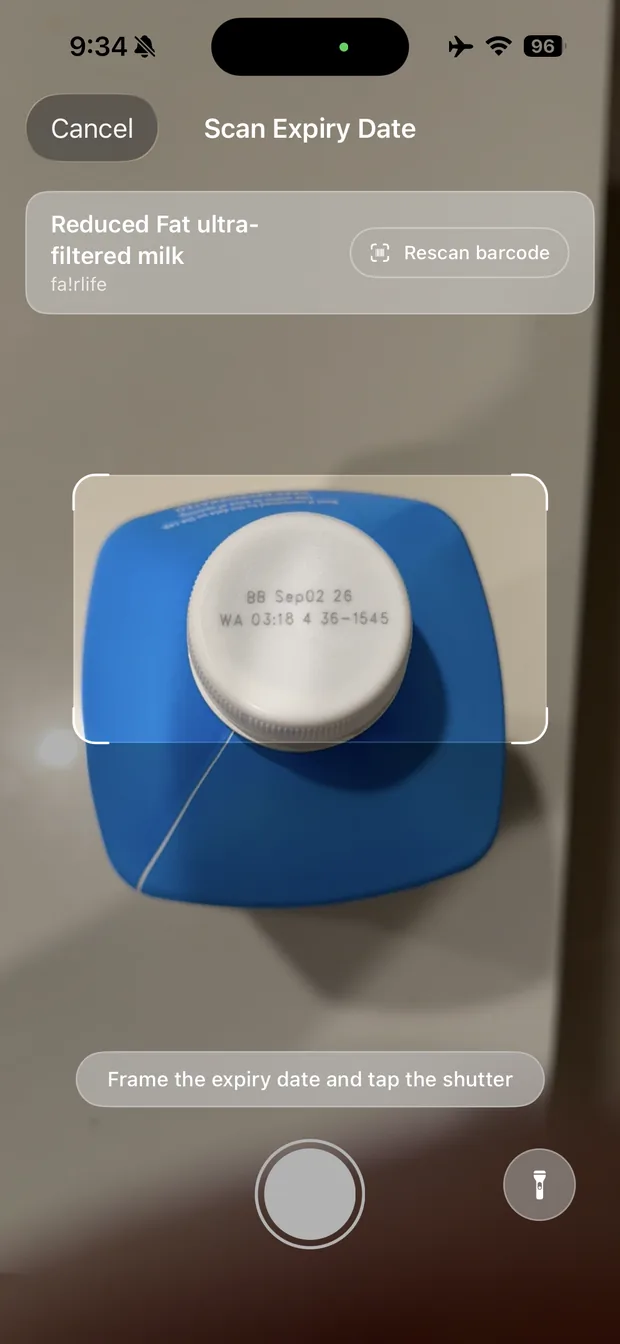
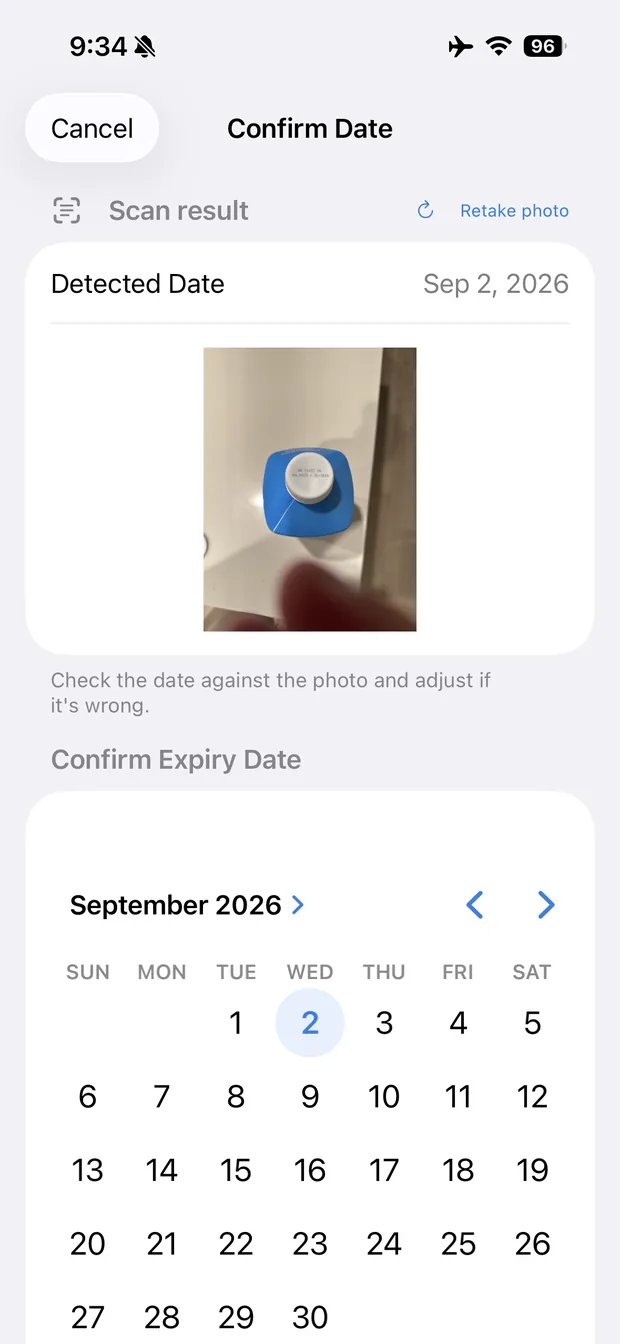
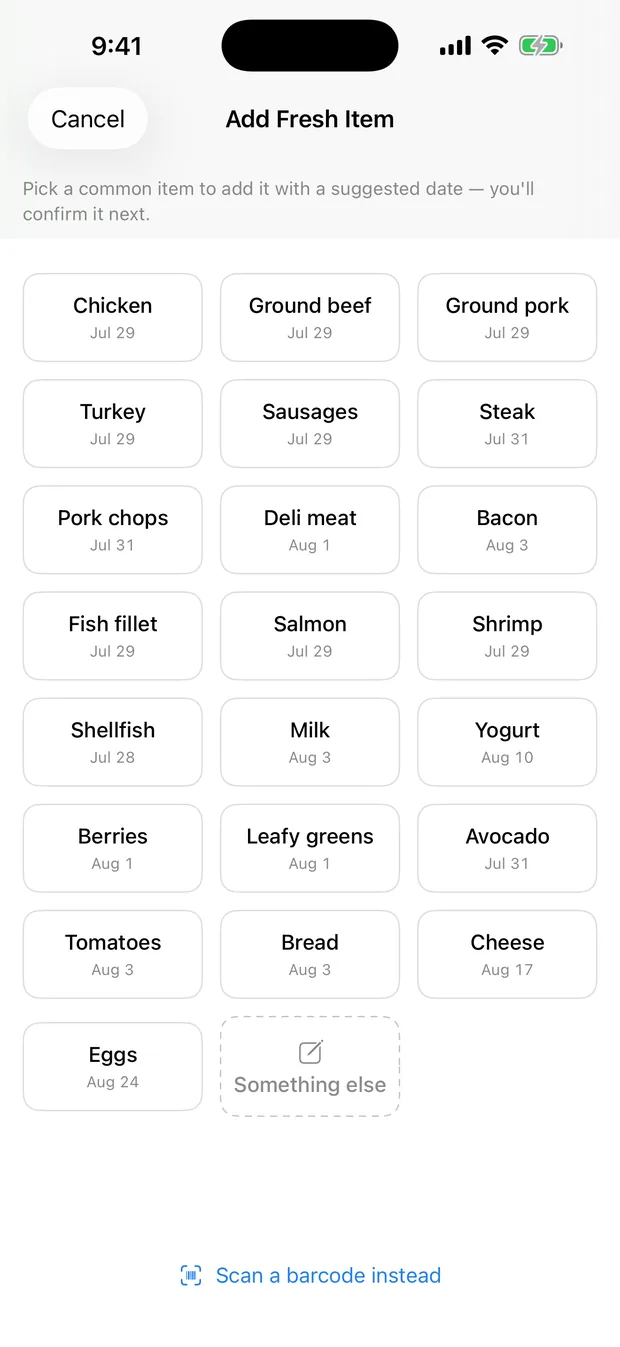
Four screens straight off an iPhone, including a best-before date read off a bottle cap in ordinary kitchen light.
Food-expiry tracker for iPhone
Grocery deliveries often land close to their date, and leftovers hide at the back of the fridge. Scan the barcode, snap the date, and get a quiet nudge before anything's forgotten.
The camera does the work. Manual entry is always there when you need it, though you rarely will.
Name, brand, and category fill in automatically from open product data.
The expiry label is read on your device. You confirm it; the app never guesses silently.
A quiet alert three days before, and on the day itself. Nothing gets forgotten.
Four screens straight off an iPhone, including a best-before date read off a bottle cap in ordinary kitchen light.
It states facts, like "expires in two days," and it's accurate enough that you trust its dates without double-checking.
Barcodes fill in the details. Some carry the expiry date themselves, so the app skips a step entirely.
On-device text recognition reads the label and picks the latest plausible date. When it can't, it says so.
Two calm notifications per item and a badge count. Pick the time of day they arrive.
Your data lives on your device. No account, no server, no analytics. No one else can see it.
Keep a Freezer, a Pantry, a second fridge, and switch between them with a tap.
Save a backup, a plain JSON file, to Files or iCloud Drive any time. Restoring only ever adds; it never overwrites.
A few common ones. For anything else, email kyrylo.volkov@outlook.com.
An iPhone running iOS 18 or later. Fridgerator is iPhone-only: the whole point is scanning a label with the phone already in your hand.
Yes. Reading dates and scheduling reminders happen entirely on your device. A connection is only used to look up a product's name from its barcode, and you can always type an item in by hand.
Not every product is in the open databases. When one isn't, you land on a quick manual-entry screen. You can also choose manual entry at any point instead of scanning.
Completely. There's no account and no analytics, and the developer never receives your data. It stays on your device. See the privacy policy for the full detail.
Deleting the app removes its data from your device, so export a backup first (Settings → Backup). You can save it to Files or iCloud Drive and restore it after reinstalling. Restoring only ever adds, it never overwrites.
The core app is free, with no ads. Fridgerator Pro is a one-time $4.99 that adds separate fridges (a Freezer, a Pantry, a second fridge) and supports development. No subscription, no account.